I’ve been off Instagram for a while now. I realized just how much time I was losing and stopped using it completely.
But YouTube? That’s different. I still use the web version regularly for learning and entertainment.
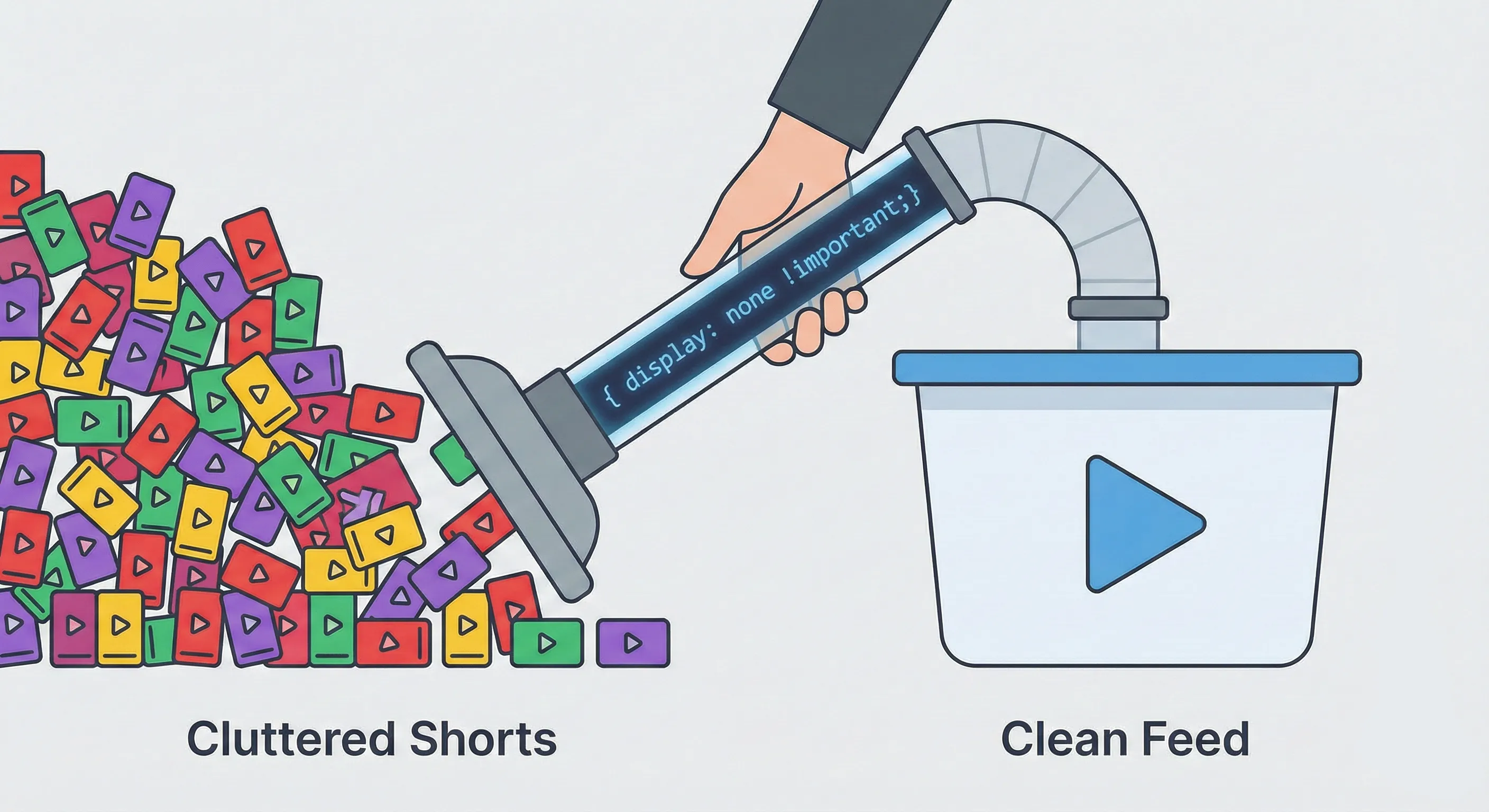
Even though I wasn’t looking for short-form content, YouTube’s interface is packed with it. On the website, they take up a huge chunk of the screen and there is no native option to disable them.
When I go to YouTube, I’m there for standard videos and don’t want my feed cluttered with vertical clips.
The Fix
I found a way to hide Shorts entirely using a browser extension called Stylus.
Stylus is a browser extension that acts as a style manager. Basically, it lets you write your own custom CSS to change the appearance of any website (or in my case, to hide things I don’t want to see).
I wrote a simple CSS snippet to hide all the Shorts elements from the YouTube interface.
Here’s exactly what I used:
/* hides the shelf */
*[is-shorts] {
  display: none !important;
}

ytd-reel-shelf-renderer {
  display: none !important;
}

/* hides anchor/tab */
a[title="Shorts"] {
  display: none !important;
}

[tab-title="Shorts"] {
  display: none !important;
}
The Result
Boom. Now, when I go to YouTube, the Shorts are gone.
My feed is just regular long-form videos and the interface feels much cleaner. It keeps my brain away from short-form content and lets me focus on what I actually came to watch.
If you’re like me and want a cleaner YouTube experience, just give this a try. Install Stylus, add a new style for youtube.com, paste in that CSS and you’re good.
Your future self will thank you.